

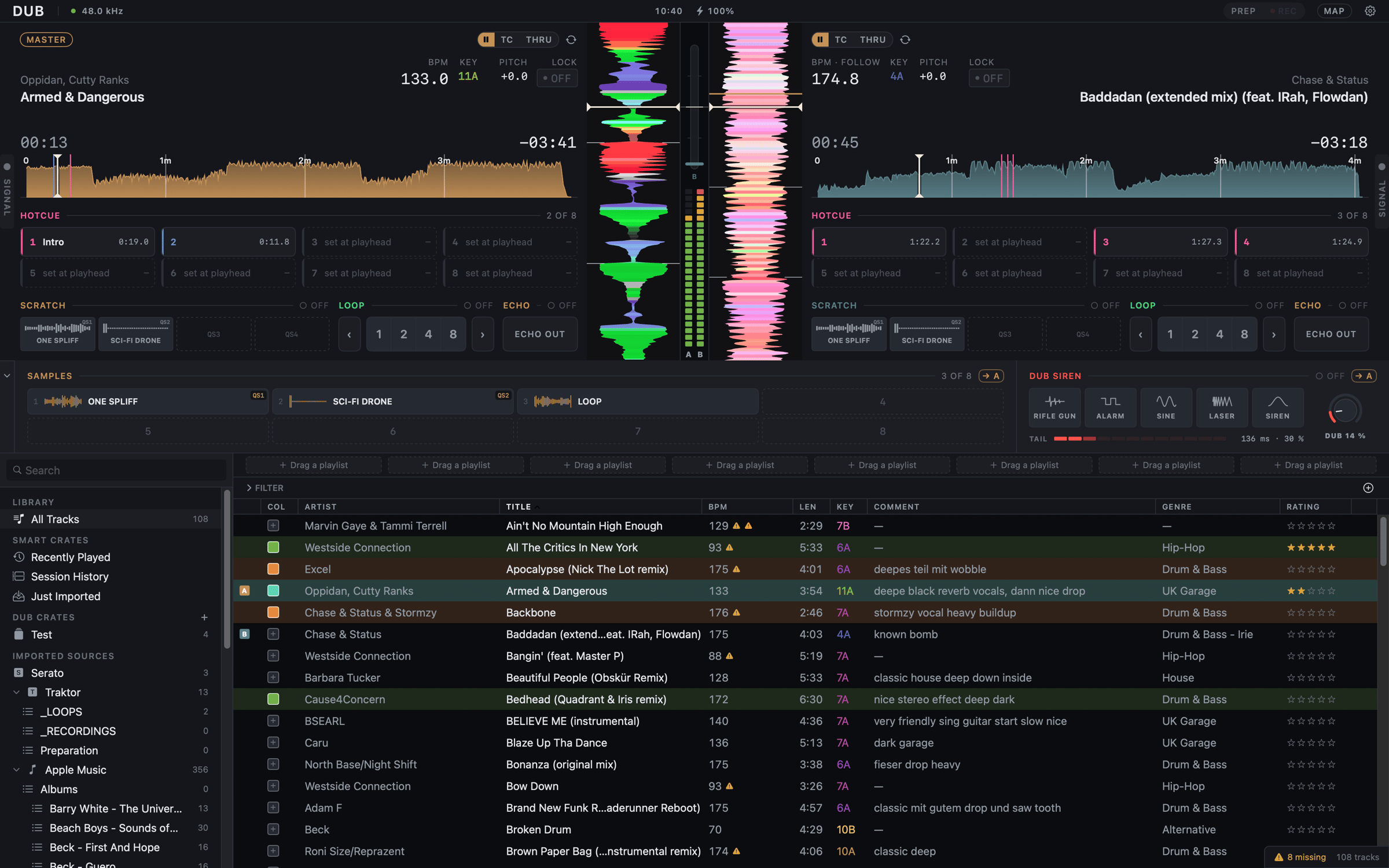
What makes it different
Most DJ software wants to be the whole booth. Dub wants to be the part between your turntables and your mixer, and to be very good at it.- Your mixer is the mixer. There is no software crossfader, EQ or gain. Each deck leaves on its own output pair and you mix with your hands.
- Real records are first-class. Flip a deck to THRU and the record on the platter runs through Dub, with a live waveform, a live tempo and the effects on it.
- Reliability is the feature. The audio engine never allocates memory, waits on a lock or blocks while it plays, and every change is tested for it.
- Yours to leave. Dub imports from Serato, Traktor, rekordbox, Apple Music and Lexicon, and exports back to rekordbox XML and M3U8.
Two surfaces
- Performance is the two-deck surface for the set. It needs an audio interface with at least 4 inputs and 4 outputs, control vinyl and an external mixer.
- Prep is one deck on your Mac’s own output, for beat grids, cues and samples before the gig. Dub opens in Prep when no interface is plugged in.
Start here
Install Dub
Download the alpha and get it past macOS’s first-run check.
Hardware
Interfaces, control vinyl, and setting up an interface Dub doesn’t know.
Your first set
Wire it up, drop the needle, read the signal panel.
Bring your library
Serato, Traktor, rekordbox, Apple Music and Lexicon.